Blog · 4 min read
AI video in Hindi, Tamil, Telugu and other languages: getting the voices right
Video models now speak many languages, but "it speaks Tamil" can mean three different things: the right words, the right voice, and the same voice in every shot. Here is what we found testing Indian languages, and how to plan a film so all three hold.
Three things that have to go right
When a character speaks in an AI video, three separate things have to work:
- The words. Every word said correctly, in the language you wrote.
- The voice. It sounds like that character: their age, their manner, their accent.
- The same voice in every shot. The one people forget. A film is made shot by shot, and a model that speaks for itself in each shot can give the same character a different voice in the next one.
A single clip only needs the first two. A film needs all three, and the third is usually the hardest.
Two ways a character can speak
The video model's own voice
Many video models now make sound with the picture, speech included. The lips and the voice come from the same model, so they match, and the timing feels natural.
The drawbacks: the voice can change from one shot to the next, some languages come out with wrong or garbled words, and to fix one word you have to remake the whole shot.
A cast voice
The character's voice is made once, by a voice model or from an actor's saved voice, and used for every line they say. Some video models can also take that voice as a reference while they make the shot, so the mouth follows it.
The benefits: the same voice in every shot, and a single line can be redone without touching the picture. The drawback: depending on the model, the mouth and the voice are made separately, and the match is less exact than a model speaking for itself.
In Studio's Movie, this is the Voices setting: Cast voices (each character sounds the same in every shot) or Model's voices (the model speaks the lines, so lips match, but a voice may change between shots). Cast voices is the default.
What we found testing Hindi, Tamil and Telugu
In November 2026 we filmed the same short two-person scene with the lines in English, Hindi, Tamil and Telugu, across several video models, then listened to every clip and checked the words against the script.
| What we tried | What we heard |
|---|---|
| The model's own voice: Google Veo 3.1, xAI's Grok and Kling 4.0 | Good speech in Indian languages within a single clip. A character's voice could change from one shot to the next. |
| The model's own voice: Seedance | Didn't sound right outside English. |
| Seedance, given each character's voice as a reference | Spoke in the characters' voices with the right words in English and Hindi. Some Tamil and Telugu words came out garbled. |
| MiniMax H3, given each character's voice as a reference | Kept each character's voice in all four languages, though it re-timed some Hindi and Telugu lines. |
| Re-syncing the mouths to a voice track afterwards | Not good enough to use. |
Two things stood out. First, a model that speaks a language well in one clip doesn't keep a character's voice across clips; that takes a fixed voice. Second, how well a model handles a language is specific to that model and that language. MiniMax's own guide, for example, lists stable dialogue in eleven languages, none of them Indian, yet with a reference voice it held the voices well in our test. Test before you commit to a long film.
How to plan a film in your language
- Use cast voices for anything longer than one clip. It is the only way to be sure a character sounds the same in every shot.
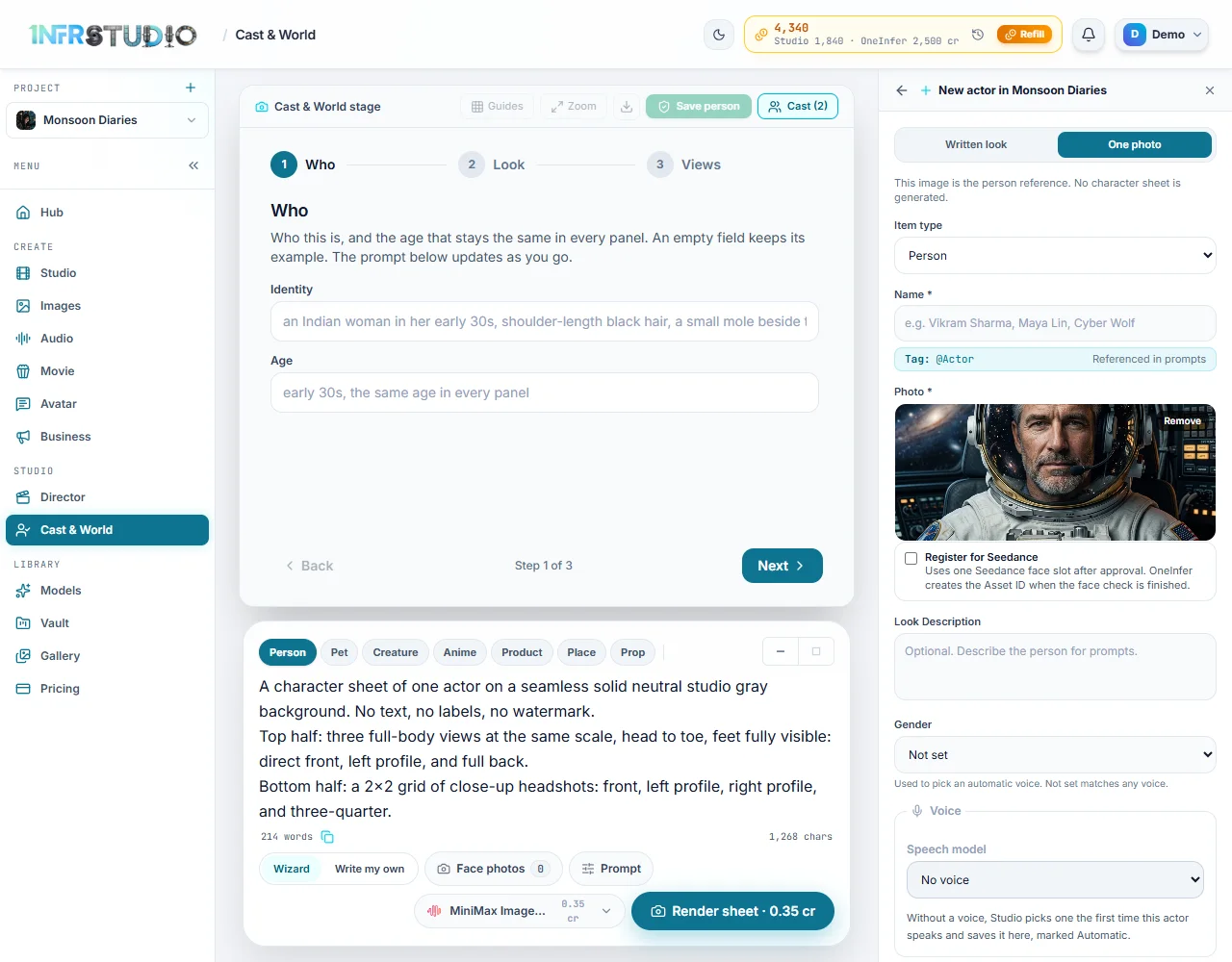
- Pick voices that speak your language. Voice lists show each voice's language; listen to a sample before you choose. An actor's saved voice in Cast & World is used wherever that actor speaks.
- Write lines in the language's own script where you can. Devanagari for Hindi, Tamil script for Tamil, and so on. Romanised text is read less predictably.
- Keep lines short. One or two breaths each. Long lines get rushed or re-timed.
- One speaker per line, named. It keeps each line with the right voice.
- Listen to every shot with the script in hand before you stitch the film. A wrong word is cheaper to fix now.
- Turn on captions if your audience reads more than one language. Movie can show each spoken line on screen.
The same rules for any language
Hindi, Tamil and Telugu are what we tested first; the approach is the same for any language. Use a model's own voice only where it has been checked in that language. Otherwise use cast voices. For a language nobody has tested yet, make one short shot first and listen before you make the whole film.
For a voice-over with no one on screen, you don't need a video model to speak at all: make the narration in Audio in the voice and language you want, and lay it over the pictures.
Questions
Can AI video speak Tamil?
Yes, several video models can speak Tamil in a single clip, but quality varies by model. Some garble words even when the voice sounds right. For a film, a cast voice that speaks Tamil keeps both the words and the voice steady across shots.
Why does my character's voice change between shots?
Each shot is made separately, and a model speaking for itself chooses a voice each time. Give the character a fixed voice, a cast voice, and use it for every line.
Do the lips match when I use a cast voice?
With models that take the voice as a reference while making the shot, the mouth follows it closely. With others the match is looser. The model's own voice matches the lips best, at the cost of a steady voice.
Which is better for a Hindi film: the model's voice or a cast voice?
For a single clip, a model's own voice can sound very natural. For a film with the same characters across many shots, use cast voices.
In the docs: Movie and Film · Cast & World · Audio